Learn C programming in 2026: where to start
Where to start with C in 2026: what to install, the order to learn the concepts in, how to practice every day, and which serious resources to read.
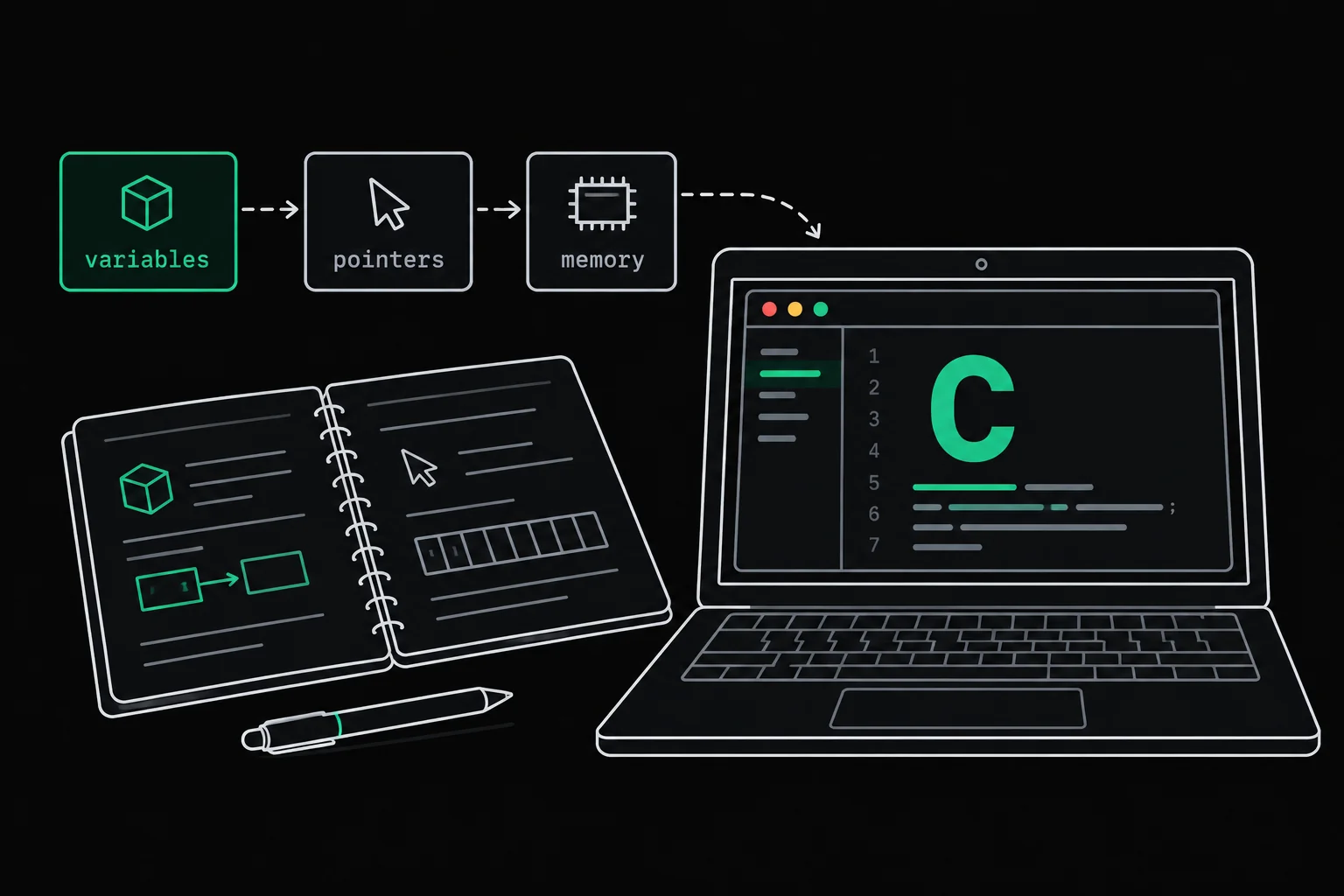
You want to learn C, and your first search returns ten lists of "best courses" that contradict each other. The language itself moves slowly. What makes the difference is the order in which you take on the concepts, and how much of your time goes into writing code rather than watching it.
In short
To learn C in 2026 you need a compiler (GCC or Clang) and a terminal, or just a browser if you work through exercises online. Go in this order: compiling and printing, reading errors, types, conditions and loops, functions, pointers and arrays, strings, dynamic memory, structures, then files and processes. Write code every day, always compile with -Wall -Wextra, and have your programs checked by tests. For reading, one book (K&R, or Modern C, which is free) plus the man pages is enough.
Why learn C in 2026?
Because C shows you what other languages hide: where each variable lives, how many bytes it takes, who has to free the memory, and what happens when nobody does. Once you've seen a pointer point into nothing, a Python reference or a JavaScript array stops being magic.
It isn't a dead language either. The Linux kernel is written in C (compiled with -std=gnu11, and it also accepts Rust code), SQLite describes itself as a library written in C, and the standard keeps moving: the latest version, C23, came out at the end of 2024 as ISO/IEC 9899:2024, and GCC 15 compiles as C23 by default. What that changes for your code is covered in GCC 15 compiles as C23 by default.
One honest opinion to finish: if your goal is to ship a website next month, C is not the shortest path. If you want to understand what the machine does, or you're preparing for a program where C is the foundation, it's still one of the best places to start.
What do you need to install to program in C?
A compiler, a text editor and a terminal. The compiler turns your .c file into an executable, and any editor with syntax highlighting will do to begin with.
| System | Command | What you get |
|---|---|---|
| Ubuntu, Debian | sudo apt install build-essential | gcc, g++, make and the C library headers |
| Windows 10 (version 2004 or later) or 11 | wsl --install in PowerShell run as administrator | a real Linux (Ubuntu by default), where you run the line above |
| macOS | xcode-select --install | Apple's Command Line Tools, including the clang compiler |
| Nothing at all | a browser | Grademe exercises and their Linux terminal, with gcc 15, gdb, valgrind and the man pages |
The last row is meant seriously: for your first weeks, setting up an environment is not a required step. Grademe exercises run in the browser and are graded automatically; you only need a free account to run your code. Sooner or later, install a compiler on your own machine anyway, if only to type man 3 printf offline.
Your first program, compiled with warnings
The classic first program, ever since Kernighan and Ritchie's book, prints one line and stops:
#include <stdio.h>
int main(void){ printf("Hello World!\n"); return 0;}$ gcc --version | head -1gcc (GCC) 15.3.0$ gcc -Wall -Wextra hello.c -o hello$ ./helloHello World!gcc compiles hello.c, -o hello names the executable, and ./hello runs it. The two options -Wall -Wextra do nothing for this flawless program. They earn their keep on the next one, which has a bug:
#include <stdio.h>
int main(void){    int score = 15;
printf("Score: %f\n", score); return 0;}$ gcc average.c -o average$ ./averageScore: 0.000000$ gcc -Wall -Wextra average.c -o averageaverage.c: In function 'main':average.c:7:21: warning: format '%f' expects argument of type 'double', but argument 2 has type 'int' [-Wformat=] 7 | printf("Score: %f\n", score); | ~^ ~~~~~ | | | | | int | double | %dWithout options, GCC compiles silently and the program prints 0.000000 instead of 15. With -Wall -Wextra, it points at line 7, column 21, explains that %f expects a double while it's being given an int, and even suggests %d. Passing printf an argument of the wrong type is undefined behavior: here you read 0, somewhere else you would read something different. Get into the habit of reading every diagnostic from the top, in order: file, line, column, kind (error stops the build, warning lets it through), and the option in square brackets, which gives you the name to search for. The most common ones are explained in GCC warnings explained, and a forgotten #include has its own article, implicit declaration of function.
In what order should you learn C?
In an order where each concept builds on the previous one. This is the order of the Grademe C path, split into seven stages, each made of modules of graded exercises:
Getting started: compiling, printing exactly what you're asked to print, reading a compiler diagnostic, choosing an integer type that won't overflow, writing conditions and loops, reading
argcandargv, and returning an exit code.Structuring your code: functions and prototypes, recursion and the call stack, pointers (address, dereferencing, output parameters), one- and two-dimensional arrays.
Text: characters and the ASCII table, strings terminated by
'\0', writing into a buffer without overrunning it, splitting text into words, converting text to a number and back, in any base.Memory:
malloc,realloc,freeand the question of who owns what, raw bytes andvoid *, then memory bugs and reading a leak report.Your own types:
struct,unionandenum, headers and the preprocessor, linked lists, stacks, queues and trees, generic code with function pointers.The machine: bitwise operations, sorting and searching and what they cost, files and streams, parsing a text format.
The system: creating processes, connecting them to each other, reacting to signals.
Pointers arrive in the second stage, and that's on purpose. Strings, dynamic memory and structures all rest on them: pushing them to the end means learning half the language without understanding it. If you get stuck there, pointers in C explained with diagrams starts again from the address of a variable. The fourth stage is where C differs most from other languages; malloc, calloc, realloc and free covers its traps.
How should you practice to actually get better?
By writing code every day, even a little, and having it checked by something other than your own eyes. A useful session fits in a short loop:
- Writea short program, on your own
- Compilewith -Wall -Wextra
- Read the diagnosticthe first error first
- Testedge cases too
- Fixthen go again
The most common trap is watching tutorials without writing anything. Following someone who codes feels like understanding; it's in front of the empty editor that you find out what you can actually do. The same goes for an AI assistant that writes the code for you: in a randomized trial published by Anthropic in January 2026, developers who learned a library with AI assistance scored 50% on a final quiz, against 67% for those who coded by hand. The details, and the ways of using AI that don't carry that cost, are in should you still learn to code with AI.
Second habit: don't settle for a program that "seems to work". average.c printed something, just not the right value. An exercise graded by tests compares your output byte for byte with the expected one, final newline included, and tells you exactly which case fails.

hello
The first exercise of the path: print exactly Hello World! followed by a newline, with write as the only function allowed, so no printf. The tests compare the output byte for byte, then run your program again with an argument it has to ignore.
Print a character, a line, then a shape where you decide every row: the first module of the path lives entirely inside the write, compile, read-the-verdict loop.
Which serious resources should you use to learn C?
One book or one complete course, plus the man pages, beats ten videos. Here are the ones worth recommending, with their limits:
| Resource | What it is | Worth knowing |
|---|---|---|
| The C Programming Language, Kernighan and Ritchie (2nd edition, 1988) | the book by the language's authors, known as "K&R" | short and dense, it describes the 1989 ANSI C: nothing from C99 to C23 |
| Modern C, Jens Gustedt | a book that is up to date with C23 | free version online under a Creative Commons license, more demanding |
| Beej's Guide to C Programming, Brian "Beej Jorgensen" Hall | a tutorial, with a library reference as its second volume | free to read online, under a Creative Commons license; assumes you already program in another language |
| CS50x, Harvard | an introduction to computer science, taught in C from week 1 before moving to Python in week 6 | free through Harvard OpenCourseWare, no prior programming experience required |
| The N3220 draft of the standard | the text of C23 with its editorial corrections | free; for settling a specific point, not for learning |
| The man pages | the documentation for every function | man 3 printf, see the man(1) entry |
Pick one as your main thread and stick with it to the end. The man pages, for their part, are for every day: section 3 documents the functions of the C library, with their header, their prototype and their return value.
Frequently asked questions
How long does it take to learn C?
No serious duration applies to everyone: it depends on where you start and how much time you spend writing code. A more useful milestone than a number of weeks: you can write a function that works on strings, allocate its memory, test it on the edge cases and show with Valgrind that it doesn't leak.
Should you learn C before another language?
It isn't required. Starting with C is slower at first, because you manage memory yourself, but everything you learn there about the stack, the heap and pointers shows up again underneath other languages.
C or C++ to start with?
They are two separate languages, with two standards. C++ adds classes, templates and its own standard library; it's much larger. C is smaller, which makes it good ground for understanding memory before you learn abstractions that hide it.
Can you learn C without installing anything?
Yes. Grademe exercises are written and graded in the browser, and their built-in terminal is a real Linux with gcc 15, gdb, valgrind and the man pages. You need a free account to run your code.
Is C still used in 2026?
Yes: the Linux kernel and SQLite are written in C, and the standard got a new version, C23, published at the end of 2024. GCC 15 uses it by default.
Sources