Valgrind on Mac M1 and Windows: what to use in 2026
Valgrind doesn't officially run on Apple Silicon Macs or on Windows. Docker, WSL2, leaks, AddressSanitizer: what each one catches and what it lets through.
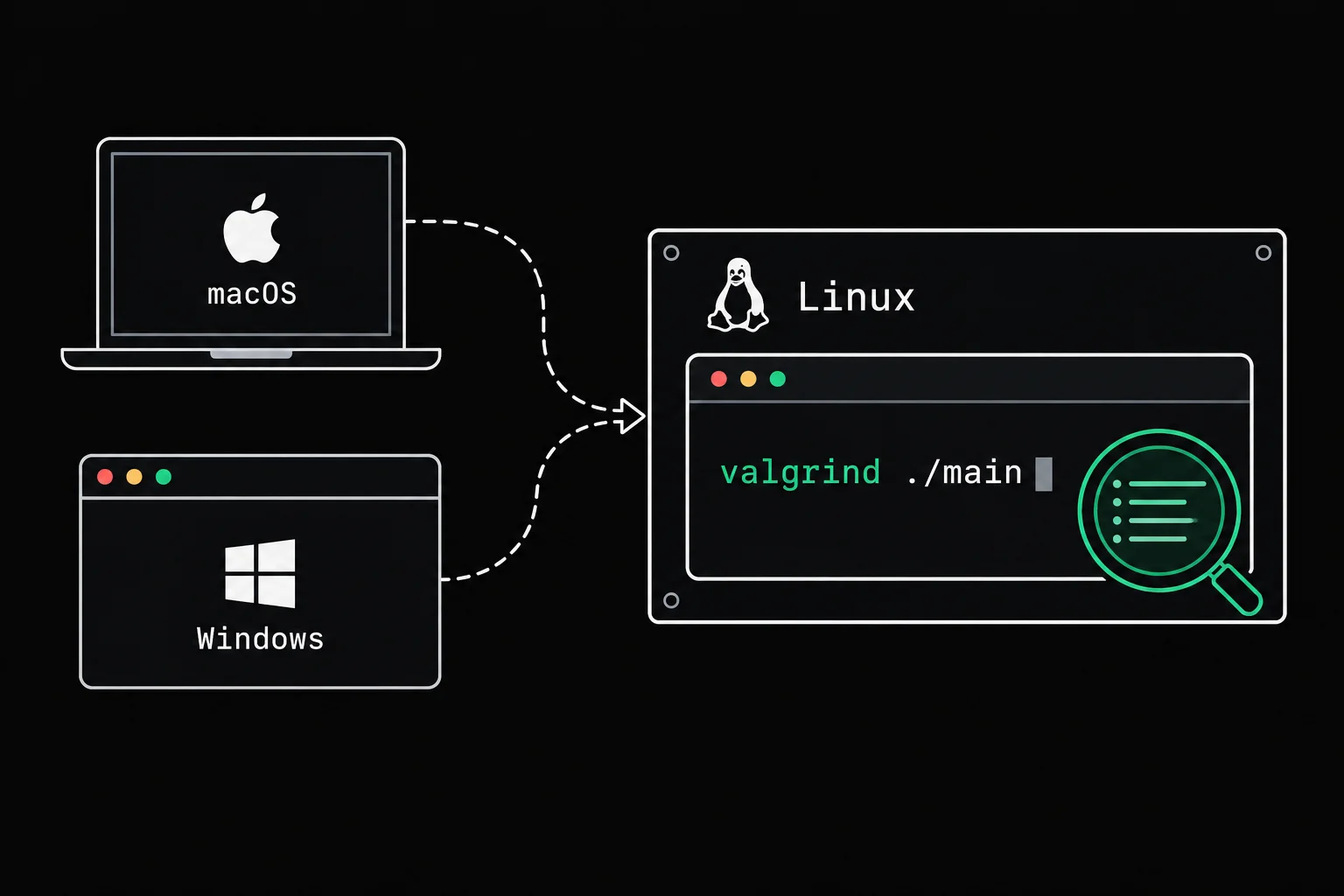
A course, an assignment or an autograder wants you to run your program under Valgrind. On your Mac, the terminal answers zsh: command not found: valgrind, and brew install valgrind gets you no further. On Windows, it simply doesn't exist. Here's what works in 2026, tested on an Apple Silicon Mac, with what each option catches and what it lets through.
In short
Valgrind is a Linux tool: its official release supports macOS only on Intel processors and only on older versions, and Windows has never been on the list. On an Apple Silicon Mac, the most reliable option is to run Valgrind inside a Linux Docker container, which runs natively on the ARM chip. On Windows, install WSL2, then run sudo apt install valgrind. Without Linux, leaks (macOS) finds leaks and AddressSanitizer finds overflows, but neither one does all of Memcheck's work.
Why Valgrind won't install on an M1, M2 or M3 Mac
Because Valgrind can't run the code of an Apple-chip Mac. valgrind(1) runs your program on a simulated processor and intercepts its calls to the operating system, so every processor and OS pair needs a port of its own. The official list on valgrind.org covers Linux on about ten architectures, FreeBSD, Solaris and Android, and for macOS only X86/Darwin and AMD64/Darwin, meaning Intel Macs, with the note "macOS supported up to version 13 Ventura". ARM Macs aren't on it, including for version 3.27.1, released in May 2026.
Homebrew draws the conclusion: its valgrind formula declares depends_on :linux, so it won't install on macOS.
There is an unofficial port, maintained by Louis Brunner on GitHub (valgrind-macos). Its compatibility table lists ARM64 as supported on macOS 11 to 14 and then on macOS 26, and as experimental on macOS 15. You install it with brew tap LouisBrunner/valgrind followed by brew install --HEAD LouisBrunner/valgrind/valgrind, which builds the project from source. It wasn't tested for this article (the machine runs macOS 27, which isn't in that table at the time of publication). Remember that it's a third-party project: a macOS update can break it until the next fix lands.
On a Mac, the reliable option: Valgrind in Docker
A Docker container on an Apple Silicon Mac runs a real ARM64 Linux, a platform Valgrind officially supports. With Docker Desktop installed, all you need is an image that contains gcc and valgrind. This Dockerfile starts from the official gcc:15 image (Debian 13):
FROM gcc:15RUN apt-get update && apt-get install -y --no-install-recommends valgrind gdb make man-db manpages-dev && rm -rf /var/lib/apt/lists/*Build the image once, from the folder that holds the Dockerfile:
docker build -t c-valgrind .After that, from your project folder, a single command compiles your files and runs Valgrind on them. The test program forgets to free a block:
#include <stdlib.h>#include <string.h>
int main(void){    char *copy = malloc(16);
strcpy(copy, "leak"); return 0;}$ docker run --rm -v "$PWD":/src -w /src c-valgrind sh -c 'gcc -g leak.c -o leak && valgrind --leak-check=full ./leak'==14== Memcheck, a memory error detector==14== Copyright (C) 2002-2024, and GNU GPL'd, by Julian Seward et al.==14== Using Valgrind-3.24.0 and LibVEX; rerun with -h for copyright info==14== Command: ./leak==14== ==14== ==14== HEAP SUMMARY:==14== in use at exit: 16 bytes in 1 blocks==14== total heap usage: 1 allocs, 0 frees, 16 bytes allocated==14== ==14== 16 bytes in 1 blocks are definitely lost in loss record 1 of 1==14== at 0x488545C: malloc (vg_replace_malloc.c:446)==14== by 0x400653: main (leak.c:6)==14== ==14== LEAK SUMMARY:==14== definitely lost: 16 bytes in 1 blocks==14== indirectly lost: 0 bytes in 0 blocks==14== possibly lost: 0 bytes in 0 blocks==14== still reachable: 0 bytes in 0 blocks==14== suppressed: 0 bytes in 0 blocks==14== ==14== For lists of detected and suppressed errors, rerun with: -s==14== ERROR SUMMARY: 1 errors from 1 contexts (suppressed: 0 from 0)-v "$PWD":/src mounts your folder inside the container, -w /src makes it the working directory, and --rm deletes the container when it's done. The report is the one you'd get on any Linux machine: 16 bytes lost, allocated at leak.c:6. Every line of it is explained in How to read a Valgrind report.
One consequence to keep in mind: the leak executable compiled in the container is a Linux program. It shows up in your folder, but your Mac can't run it directly. Always compile and run on the same side.
On Windows: WSL2 and apt
Valgrind has never had an official Windows version. Its platforms page mentions an external port developed between 2011 and 2013, and says Windows isn't being considered, because a port would need so many changes that it would almost be a separate project.
The usual route is WSL2, the Windows Subsystem for Linux. On Windows 10 version 2004 or later, or on Windows 11, one command in a PowerShell window opened as administrator installs WSL2 and Ubuntu:
wsl --installAfter the reboot, open Ubuntu and install the compiler and Valgrind:
sudo apt updatesudo apt install build-essential valgrindYou get your distribution's version of Valgrind (3.22 on Ubuntu 24.04, 3.26 on Ubuntu 26.04), and reports shaped exactly like the one in the previous section, since Valgrind runs on a real Linux kernel there. Keep your projects in your Linux home folder (/home/your-name/...) rather than under /mnt/c/: for speed, Microsoft recommends storing files on the same operating system as the tools you use on them.
If you stay in Visual Studio, its AddressSanitizer (the /fsanitize=address option, available since Visual Studio 2019 16.9) catches overflows and accesses after free. Leak detection isn't part of it: Microsoft lists it among the sanitizers it may add later.
Without Linux on a Mac: leaks and AddressSanitizer
Two tools are available directly on macOS. Each covers part of what Valgrind does, and you need both to come close to it.
leaks, for memory leaks
leaks ships with macOS. With -atExit, it launches the program and, as the program exits, looks for allocated blocks that no pointer refers to anymore. Here is the output on macOS 27 with Apple clang 21, on an Apple chip:
$ clang -g leak.c -o leak$ leaks -quiet -atExit -- ./leakProcess 2312 is not debuggable. Due to security restrictions, leaks can only show or save contents of readonly memory of restricted processes.
Process 2312: 185 nodes malloced for 10 KBProcess 2312: 1 leak for 32 total leaked bytes.
STACK OF 1 INSTANCE OF 'ROOT LEAK: <malloc in main>':2   dyld                                  0x18ad7fe80 start + 66881   leak                                  0x100998480 main + 32  leak.c:60   libsystem_malloc.dylib                0x18af7c630 _malloc_zone_malloc_instrumented_or_legacy + 152 ====    1 (32 bytes) ROOT LEAK: <malloc in main 0x7b40808000> [32]
$ echo $?1
The leak is found, with the line leak.c:6: -atExit turns on allocation stack recording (MallocStackLogging) by itself. The "not debuggable" message only means leaks won't show you the contents of the blocks. The byte count differs from Valgrind's, 32 for a malloc(16), so trust the line rather than the size. The exit code is 1 when there's a leak and 0 otherwise, which lets you use it in a script. leaks only sees leaks, though: a write outside a block or an uninitialized variable gets right past it.
AddressSanitizer, for overflows
AddressSanitizer is built into clang, and so into Apple's compiler. You turn it on at compile time, and it stops the program at the first invalid access. Here, six bytes ("hello" and its '\0') are copied into a five-byte block:
#include <stdlib.h>#include <string.h>
int main(void){    char *copy = malloc(5);
strcpy(copy, "hello"); free(copy); return 0;}$ clang -g -fsanitize=address overflow.c -o overflow$ ./overflow===================================================================2668==ERROR: AddressSanitizer: heap-buffer-overflow on address 0x602000000955 at pc 0x00010512aaf4 bp 0x00016b3ae870 sp 0x00016b3ae020WRITE of size 6 at 0x602000000955 thread T0 #0 0x00010512aaf0 in strcpy+0x458 (libclang_rt.asan_osx_dynamic.dylib:arm64e+0x3aaf0) #1 0x000104a50838 in main overflow.c:8 #2 0x00018ad7fe7c in start+0x1a1c (dyld:arm64e+0x31e7c)
0x602000000955 is located 0 bytes after 5-byte region [0x602000000950,0x602000000955)allocated by thread T0 here: #0 0x000105131274 in malloc+0x78 (libclang_rt.asan_osx_dynamic.dylib:arm64e+0x41274) #1 0x000104a50824 in main overflow.c:6 #2 0x00018ad7fe7c in start+0x1a1c (dyld:arm64e+0x31e7c)
SUMMARY: AddressSanitizer: heap-buffer-overflow overflow.c:8 in main...A 6-byte write, right after a 5-byte block, at line 8, into a block allocated at line 6. On Linux, AddressSanitizer also looks for leaks when the program ends. The LLVM documentation says you can turn that on for macOS with ASAN_OPTIONS=detect_leaks=1. With Apple's clang on an Apple chip, the answer is unambiguous:
$ clang -g -fsanitize=address leak.c -o leak-asan$ ./leak-asan$ ASAN_OPTIONS=detect_leaks=1 ./leak-asan==2722==AddressSanitizer: detect_leaks is not supported on this platform.Without the option, the leaking program exits without a word. On an Apple Silicon Mac, then, count on AddressSanitizer for invalid accesses and on leaks for leaks.
The terminal in a Grademe exercise
One last option, with nothing to install: the terminal built into Grademe's C exercises is a real Linux, with gcc 15, gdb, Valgrind and the man pages. You need a free account to run code. The same leak.c gives:
$ gcc -g leak.c -o leak$ valgrind -q --leak-check=full ./leak==13== 16 bytes in 1 blocks are definitely lost in loss record 1 of 1==13== at 0x490A754: malloc (vg_replace_malloc.c:446)==13== by 0x40007EF: main (leak.c:6)==13== That environment runs Alpine with the musl C library and Valgrind 3.25: the addresses change, the faulty line doesn't. Some C exercises there also check memory automatically with Memcheck, on top of the output tests.

read_the_leak
build_path returns the right path on every call, and the text tests all pass. But it loses a block each time, and the memory check is what settles it. Read the report, find the orphaned allocation and repair the function with nothing but malloc and free.
Which option should you pick?
| Option | System | Leaks | Heap overflows | Uninitialized values |
|---|---|---|---|---|
| Valgrind in Docker | macOS, Windows, Linux | yes | yes | yes |
| Valgrind under WSL2 | Windows | yes | yes | yes |
valgrind-macos (unofficial) | macOS | not tested here | not tested here | not tested here |
leaks -atExit | macOS | yes | no | no |
| AddressSanitizer, Apple clang | macOS (Apple chip) | no | yes | no |
| AddressSanitizer, Visual Studio | Windows | no | yes | no |
| Terminal in a Grademe exercise | browser | yes | yes | yes |
Uninitialized values are where Memcheck shines: AddressSanitizer doesn't look for them. That's the job of another LLVM tool, MemorySanitizer, which only exists on Linux, NetBSD and FreeBSD. If you have to hand in a program that's "clean under Valgrind", check it under Valgrind, in Docker, WSL or an exercise terminal. The macOS tools are for moving fast between two of those checks.
Frequently asked questions
Does Valgrind work on an Intel Mac?
Officially, only on older versions of macOS: the valgrind.org home page states support up to macOS 13 Ventura. The unofficial valgrind-macos port lists Intel Macs as compatible up to macOS 26. Docker remains the option that doesn't depend on your macOS version.
Why doesn't brew install valgrind work on a Mac?
Because Homebrew's Valgrind formula requires Linux (depends_on :linux). It exists for people who use Homebrew on Linux. On a Mac you need the third-party LouisBrunner/valgrind tap or a Linux in Docker.
WSL 1 or WSL 2 for Valgrind?
Go with WSL 2: it runs a real Linux kernel, where WSL 1 translated system calls, and it's the version wsl --install picks by default. wsl -l -v shows which version each distribution uses.
Does my program behave the same in Docker as on my Mac?
Not necessarily. The container uses a different operating system, a different C library and often a different compiler. Undefined behavior can go unnoticed on macOS and crash on Linux, or the other way around. Test your program in the environment where it will be graded.
leaks or AddressSanitizer: which should I run first?
AddressSanitizer, because one invalid access throws off everything after it, leaks included. Once it reports nothing, leaks -atExit checks that every malloc has its free.
Sources